![1-RM.png]](https://resources.ripplematch.com/hs-fs/hubfs/1-RM.png?height=50&name=1-RM.png)
The RippleMatch algorithm prioritizes matches based on the information on your profile, and while you'll see what companies you're matched to on your For You Page, you can't filter them based on company name.
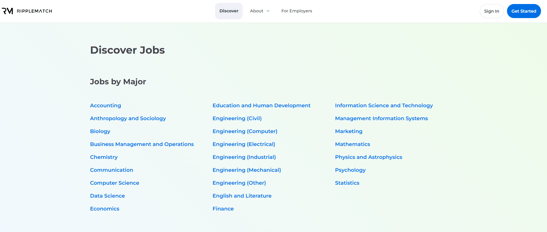
We understand you're curious about Employers other than the options you're matched to. For that, we've curated a Discover page listing the industries our Employer Partners are actively hiring in. You can navigate to the company profile of your choice through the Discover page:
- Select your desired industry
- Scroll until you find the exact company you're looking for and select the role you're most interested in by clicking the 'View Details' button at the bottom of the info card as labeled in a red square in the picture below
- To learn more about the company and browse their RippleMatch profile, click their logo at the bottom of the role card as labeled inside the red circle in the picture below.
Note: Not all employers will have open roles and events, and some roles are match only
Remember that the opportunities you match with have the highest likelihood of ending in an invitation to interview, so make sure to submit robust applications when flying solo!
For questions or concerns, please reach out to a team member help@ripplematch.com.